
Best SaaS Tech Stack 2026: Next.js, Supabase, Stripe
Our best saas tech stack 2026 is Next.js, Supabase, and Stripe because it ships fast without trapping founders later.
Build My App Fast · Aug 13, 2026 · 12 min read
The best saas tech stack 2026 for the apps we build is Next.js, Supabase, and Stripe. Not because it is trendy. Because it lets a small senior team ship a real product quickly: authentication, database, payments, email, deployment, and a maintainable codebase without spending the first month wiring infrastructure.
At Build My App Fast, we build fixed-price apps on this stack every day. The constraints are practical: founders need working software fast, they need to own the code, and they need an app that can survive real users instead of collapsing after a demo. Next.js, Supabase, and Stripe are not the only valid choices, but for most SaaS MVPs and early production apps, they give the best speed-to-reliability ratio we have found.
This post explains why we standardize on this stack, what each tool is responsible for, where it is strong, where it is not, and when we would choose something else.
The best saas tech stack 2026 is boring on purpose

A good SaaS stack should reduce decisions, not multiply them. Early founders do not need six different cloud services, a custom Kubernetes cluster, and a backend framework nobody on the next hiring round understands.
They need a stack that handles the common parts well:
- A fast web app that works on desktop and mobile
- User accounts, sessions, password reset, and permissions
- A real relational database
- File storage when needed
- Payments, subscriptions, invoices, and webhooks
- Transactional email
- Deployment, logs, previews, and environment variables
- A codebase another competent engineer can take over
That last point matters. A fast build is not useful if it produces a dead-end codebase. We are deliberately not optimizing for a clever demo. We are optimizing for a product a founder can launch, test, improve, and eventually hand to an internal team.
This is also why we are cautious about relying on “vibe coding” as the main production strategy. AI tools can help with speed, but production apps still need architecture, security boundaries, payment edge cases, database design, and deployment discipline. We covered that gap in more detail in How to Move Vibe Code to Production.
What each part of the stack does
Here is the simple version of the stack we use most often.
| Layer | Tool | What it handles | Why it matters |
|---|---|---|---|
| Frontend and app framework | Next.js | Pages, routing, server rendering, API routes, app structure | One codebase for UI and server-side logic |
| Database and auth | Supabase | Postgres, authentication, row-level security, storage, realtime when needed | Real database with fast setup |
| Payments | Stripe | Checkout, subscriptions, billing portal, invoices, webhooks | Production-grade payments without rebuilding billing |
| Styling | Tailwind CSS | UI styling and responsive layouts | Fast consistent interfaces without a heavy design system |
| Resend | Transactional email for invites, confirmations, notifications | Simple developer experience for app email | |
| Deployment | Vercel | Hosting, previews, environment variables, CI/CD | Fast deployments and reliable Next.js support |
The point is not that every app uses every feature. The point is that the stack has the core pieces ready when the product needs them.
For example, a $1,000 proof of concept may only need a polished flow, mock data, and one working integration. A $5,000 real app usually needs logins, a database, and production deployment. A $10,000 launchable MVP may need subscriptions, third-party integrations, admin tools, or AI features. Standardizing the stack lets us move quickly across all three without relearning the foundation every time.
Why Next.js is our default app framework
Next.js is the center of the stack because it lets us build the product as a real web application, not a pile of disconnected frontend and backend pieces.
For most SaaS products, we need some combination of:
- Public marketing pages
- Authenticated app pages
- Server-side data loading
- Form handling
- API endpoints
- Webhook handlers
- SEO-friendly pages
- Fast deployment previews
Next.js handles these in one project. It is also widely understood, which reduces long-term risk for founders. If you later hire developers, you are not asking them to maintain an obscure framework.
The official Next.js documentation is also strong, which matters more than people admit. Mature docs reduce the cost of maintenance and onboarding.
The other advantage is deployment fit. Next.js and Vercel work well together. Preview deployments make client review much easier because a founder can click a live URL and test the app before final payment. That is central to our process: clients see working software, not slide decks.
Where Next.js is not ideal: if you are building a compute-heavy backend, a native mobile app, a game engine, or a complex internal data platform, it may not be the main tool. But for SaaS dashboards, marketplaces, portals, AI interfaces, booking flows, paid communities, lightweight CRMs, and workflow tools, it is a very strong default.
Why Supabase beats a custom backend for most MVPs
Supabase gives us a managed Postgres database, authentication, storage, and security controls without forcing us into a toy database.
The most important word there is Postgres. For a SaaS app, data modeling matters. You need users, organizations, roles, plans, invoices, records, permissions, and audit trails. A relational database is a good fit for that. Supabase gives us the speed of a backend-as-a-service with the foundation of a real SQL database.
For authentication, Supabase also removes a lot of repetitive setup:
- Email and password login
- Magic links when appropriate
- OAuth providers when needed
- Password reset flows
- Session handling
- User metadata
- Server-side auth checks
We wrote a founder-friendly walkthrough here: Supabase Auth Setup: Founder Walkthrough.
The key is that Supabase can be fast without being flimsy. Row Level Security, when designed properly, lets us enforce access rules at the database layer. That is especially important for multi-tenant SaaS apps where one company’s data must never leak into another company’s workspace.
Supabase is not a substitute for thinking. You still need a clean schema. You still need migrations. You still need to decide what belongs in public tables, what belongs behind service-role operations, and how permissions are tested. But it removes enough infrastructure work that we can spend more time building product behavior.
Why Stripe is the billing default
If a SaaS app charges money, we use Stripe unless there is a specific reason not to.
Payments look simple until you hit the real cases:
- A card fails after a trial
- A customer changes plans
- A user cancels but should keep access until the billing period ends
- A webhook arrives twice
- A subscription updates outside your app
- A founder needs invoices and receipts
- A customer changes payment method
- Tax, coupons, or billing address requirements appear later
Stripe has already solved most of this. Our job is to integrate it carefully.
The common pattern is:
- Create a Stripe Checkout session from the app.
- Send the customer to Stripe-hosted checkout.
- Receive webhook events from Stripe.
- Store the subscription state in Supabase.
- Gate product access based on the database state, not on a client-side flag.
- Give users access to the Stripe billing portal for plan and payment changes.
That webhook step is where many rushed builds fail. The app should not assume payment succeeded just because a browser redirected back to a success page. Stripe webhooks are the source of truth. The official Stripe Billing documentation is excellent and worth reading before you design a subscription model.
For a deeper implementation guide, see our post on Stripe Next.js Payments.
The real advantage: fewer seams between tools
The biggest stack problems usually happen at the seams:
- Frontend cannot reliably tell who the user is
- Backend does not match the database permissions
- Payment state is out of sync with app access
- Local development behaves differently from production
- Environment variables are scattered across services
- Nobody knows where an error is coming from
Next.js, Supabase, Stripe, Resend, Tailwind, and Vercel reduce those seams. They do not eliminate complexity, but they make the common path very clear.
A typical SaaS flow might look like this:
- User signs up through Supabase Auth.
- Next.js creates an onboarding workspace.
- User chooses a paid plan through Stripe Checkout.
- Stripe sends a webhook to a Next.js route.
- The app updates subscription status in Supabase.
- The dashboard checks Supabase for workspace access.
- Resend sends confirmation or onboarding emails.
- Vercel deploys updates through preview and production environments.
That is a small number of well-defined moving parts. When something breaks, we know where to look.
What we standardize in every build
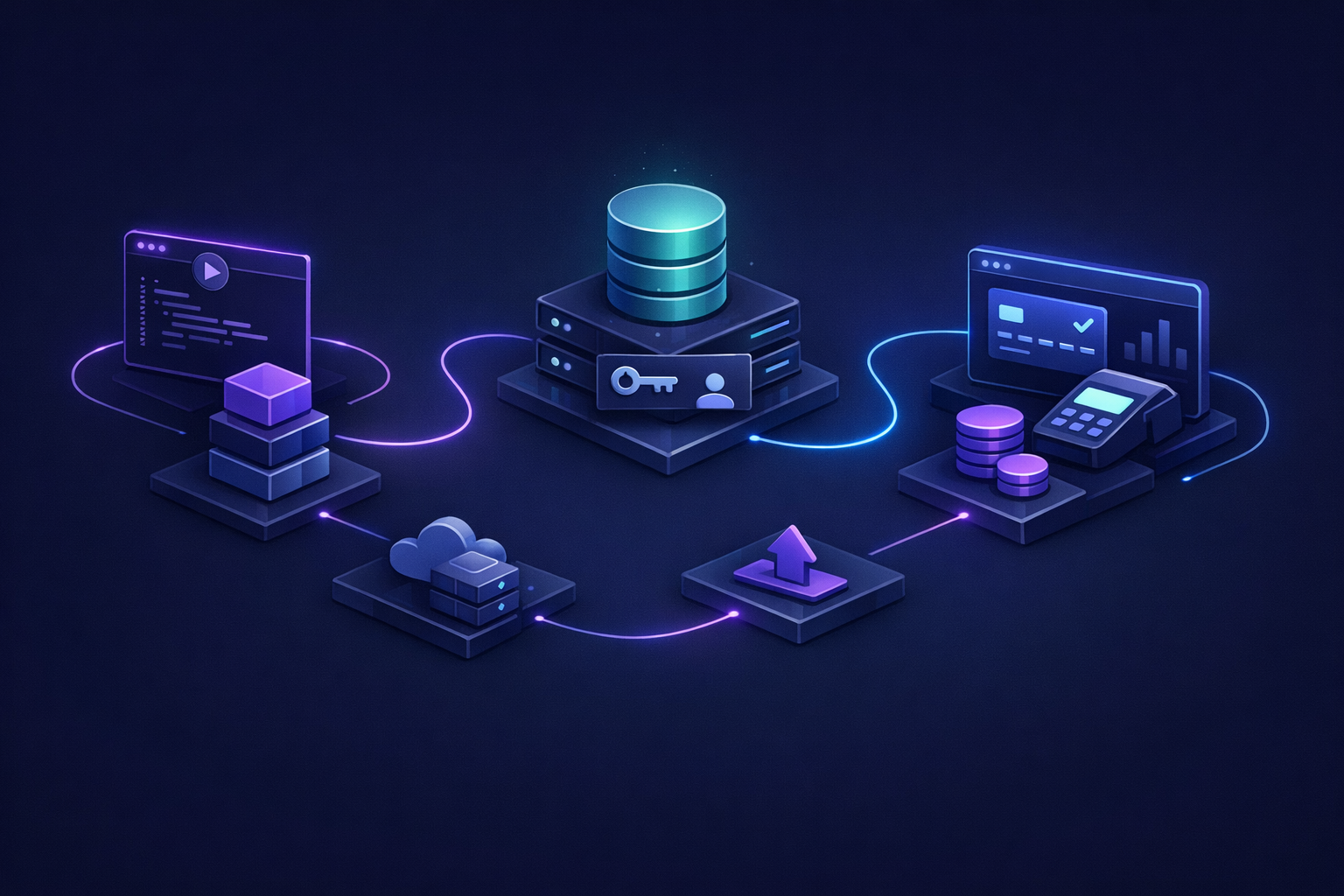
A stack is only useful if the implementation is disciplined. We do not just install packages and hope the app holds together.
Here is the baseline we try to preserve across production-ready builds:
- Clear database schema with named tables and relationships
- Server-side authentication checks on protected routes
- Separation between public pages and authenticated app pages
- Environment variables kept out of source control
- Stripe webhook handling for payment state
- Loading, empty, and error states in key user flows
- Basic admin visibility where the founder needs it
- Responsive UI built with Tailwind
- Transactional emails for critical events
- Deployment to Vercel with preview links
- Code ownership handed to the client
This is the difference between a demo and a usable first version. The visible screens matter, but so do the boring parts: permissions, redirects, database constraints, webhook idempotency, and deployment settings.
If you are still deciding what belongs in the first version, read How to Scope an MVP So It Ships in Under 2 Weeks. Stack choice helps, but scope control is what keeps the build from expanding forever.
How this stack maps to our fixed-price tiers
We use the same core stack across our fixed-price packages because it keeps delivery predictable.
Our tiers are:
- $1,000 Proof of concept — proof of concept, delivered in 2–4 days
- $5,000 Real app — full app with logins and a database, delivered in 4–6 days
- $10,000 Launchable MVP — advanced MVP with subscriptions, integrations, or AI features, delivered in 7–10 days
The stack does not mean every feature is included in every tier. It means the foundation is consistent.
A proof of concept might use Next.js, Tailwind, and a small Supabase table to prove a workflow. A real app usually adds complete auth, database-backed screens, and deployment. A launchable MVP may add Stripe subscriptions, Resend emails, admin views, AI features, or third-party APIs.
This consistency is what makes fixed price possible. If every build required a brand-new architecture debate, timelines would stretch and estimates would become vague. Standardization is not laziness. It is how you ship reliably.
When this is not the right stack
No stack is universal. We would reconsider this setup if the app requires:
- Native iOS or Android performance as the core product
- Heavy real-time multiplayer behavior
- Complex enterprise backend workflows with existing infrastructure constraints
- Specialized data processing pipelines
- On-premise deployment
- Strict technology mandates from an internal engineering team
Even then, pieces of the stack may still be useful. Stripe can still handle billing. Supabase can still support internal tooling or early versions. Next.js can still power the marketing site or admin dashboard.
The decision should be based on product risk, not developer preference. For most early SaaS products, the biggest risk is not whether the stack can scale to an imagined future. It is whether the founder can get a real product into users’ hands before the budget, energy, or market timing disappears.
How founders should evaluate a SaaS stack
If you are comparing options, do not ask only, “Is this stack scalable?” That question is too broad to be useful.
Ask these instead:
- Can another competent engineer understand this codebase quickly?
- Does the database match the product’s data model?
- Are authentication and permissions enforced server-side?
- Can billing state be trusted after webhooks, failed payments, and cancellations?
- Can the app be deployed, rolled back, and reviewed easily?
- Does the founder own the code?
- Does the stack support the next version without a rewrite?
This is where custom code often beats no-code for serious SaaS products. No-code can be excellent for validation, internal workflows, and quick tests. But when you need ownership, custom business logic, clean billing, and long-term flexibility, a codebase on a mainstream stack is usually safer. We compare that tradeoff directly in No-Code vs Custom Code: Which Should You Choose?.
FAQ
Is Next.js, Supabase, and Stripe enough for a real SaaS app?
Yes, for many SaaS MVPs and early production apps. Next.js handles the application, Supabase handles auth and database, and Stripe handles billing. You still need good implementation, but the stack covers the core foundation for a real product.
Will this stack scale if the app grows?
It can scale far beyond the first version when implemented well. More importantly, it gives you a clean starting point: real Postgres data, a maintainable React/Next.js codebase, and Stripe billing records. If you later need more specialized infrastructure, you are not starting from a locked-in toy prototype.
Why not build a separate backend from day one?
Sometimes we do. But for most MVPs, a separate backend adds time before it adds value. Next.js server routes and Supabase cover many early needs. If the product later requires a dedicated backend service, the database and app boundaries can be evolved deliberately.
Can AI tools build this stack automatically?
AI tools can generate useful pieces, but they often miss production details: auth boundaries, webhook reliability, database security, environment handling, and maintainable structure. We use modern tools where they help, but experienced engineers still make the architecture decisions.
Bottom line
We build on Next.js, Supabase, and Stripe because the combination is fast, understandable, and production-oriented. It gives founders the right kind of leverage: a real app, on a real codebase, with real authentication, database, payments, deployment, and ownership.
If you want a fixed-price build using this stack, apply here.