
Production Ready App: Beyond Works on My Screen
A production ready app must handle auth, data, payments, deployment, errors, and handoff—not just look good on one screen.
Build My App Fast · Aug 30, 2026 · 12 min read
A production ready app is not an app that loads once on your laptop. It is software that handles real users, real data, real permissions, real payments, real deployment environments, and real failure cases without needing the original builder to stand over it and explain what to click.
That gap matters because a screen demo can be surprisingly convincing. A founder can see a dashboard, a login form, a pricing page, and a database table and assume the product is close. Sometimes it is. Often it is not. The risky parts are usually behind the visible UI: authentication rules, database constraints, webhook handling, error states, environment variables, redirects, file permissions, rate limits, and deploy configuration.
This is where a lot of vibe-coded projects fall apart. The tool can generate something that appears functional in a browser. But production readiness is not the same as visual completion.
What a production ready app has that a demo does not
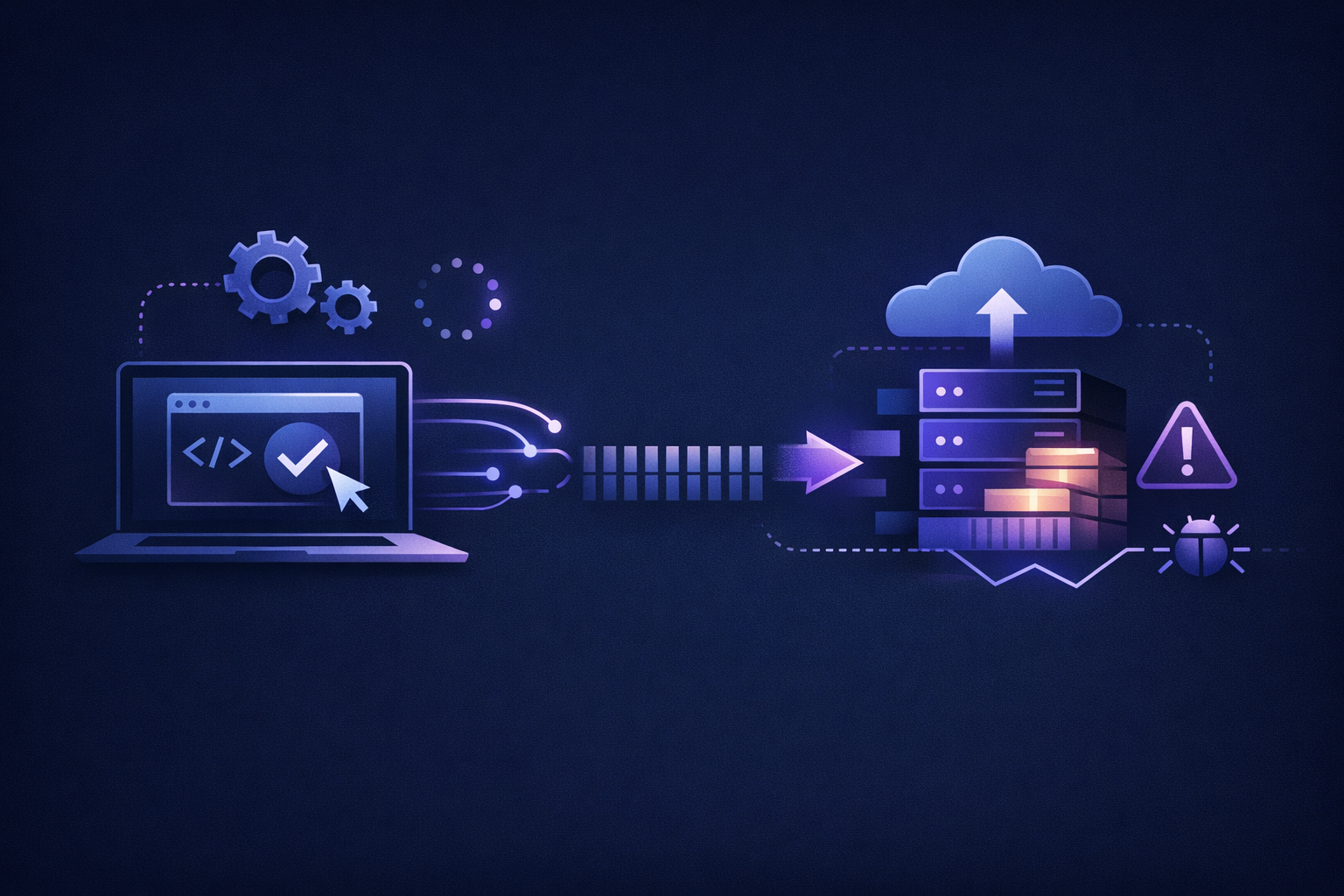
A demo proves that an idea can be represented in software. A production ready app proves that the software can be used by someone other than the builder.
Here is the practical difference:
| Area | “Works on my screen” | Production-ready standard |
|---|---|---|
| Authentication | Login form appears | Sign up, login, logout, reset password, protected routes, session handling |
| Database | Data saves in one happy path | Schema, constraints, relationships, row-level permissions, seed/test data strategy |
| Payments | Checkout button exists | Stripe checkout, customer mapping, webhook verification, subscription state updates |
| Deployment | Runs locally | Preview and production deploys, environment variables, build scripts, domain setup |
| Errors | Console shows problems | User-facing fallbacks, server logs, recoverable states, no silent data loss |
| Security | No obvious issue in demo | Authorization checks, protected API routes, input validation, secrets not exposed |
| Handoff | Builder knows how it works | Code ownership, repo access, README, deploy access, clear next-step notes |
The table is not theoretical. These are the exact categories that tend to decide whether an MVP can be shown to customers, sold, and improved, or whether it becomes a fragile prototype that only works under perfect conditions.
If you are trying to understand the broader path from prototype to release, our guide on how to move vibe code to production covers the migration process in more detail.
Why screens lie
Screens are the easiest part of a modern app to fake.
With React, Tailwind, and a decent component library, it is possible to make a product look finished before the important logic exists. A pricing page can be static. A dashboard can use mock data. A login screen can redirect without enforcing access. A database insert can work for the first user and break for the second. A checkout page can collect payment but fail to update the user’s subscription when Stripe sends the webhook.
The screen is not lying maliciously. It is just incomplete evidence.
The hidden questions are the ones that matter:
- What happens when the user refreshes the page?
- What happens when a logged-out user visits a protected URL directly?
- Can one user read another user’s data by changing an ID in the URL?
- Does the app behave differently in production than it does locally?
- Are API keys stored on the server, or accidentally shipped to the browser?
- If a payment succeeds but the browser tab closes, does the app still update the subscription?
- Can a future developer understand the data model without reverse-engineering it?
These are not edge cases after launch. They are normal use cases as soon as real users touch the app.
The production-ready stack is boring on purpose
At Build My App Fast, we normally build on Next.js, React, Supabase, Stripe, Tailwind, Resend, and Vercel because the stack is fast without being flimsy.
That does not mean the tools magically make the product safe. The implementation still matters.
For a production-ready build, the stack has to be wired in a way that matches how the app will actually operate:
- Next.js routes need clear separation between public pages, protected pages, API routes, and server actions.
- Supabase needs a real schema, not just loose tables created until the UI stops throwing errors.
- Authentication needs route protection and server-side authorization, not only a hidden button in the frontend.
- Row-level security needs to match the product’s data ownership rules. Supabase has official guidance on row-level security, and it is one of the first places we look when reviewing app risk.
- Stripe needs webhooks, not just a checkout redirect. The official Stripe webhook documentation exists for a reason: payment state must be confirmed server-side.
- Resend needs verified sender setup and transactional email flows that handle failure.
- Vercel needs environment variables, preview deploys, build configuration, and production domain setup.
If you want the deployment side specifically, see Deploy Next.js Vercel: What Founders Need to Know. Deployment is where many “almost finished” apps reveal missing configuration.
Vibe coding often skips the accountability layer
AI coding tools are useful. We use AI-assisted workflows where they make sense. The problem is not generation. The problem is when nobody with production experience owns the final system.
A prompt can create a login page. It may not decide whether your app needs organization-level roles, invitation flows, account deletion, session refresh behavior, or admin-only access.
A prompt can create a database table. It may not decide whether a record should belong to a user, an organization, or a workspace.
A prompt can create a Stripe checkout button. It may not handle the webhook that updates access after payment, cancellation, renewal failure, or plan change.
That is the accountability layer: the set of engineering decisions that connect business rules to safe implementation.
If you already have AI-generated code and are unsure whether it is usable, read How to Audit AI Generated Code Before You Scale. An audit is usually faster than guessing, and it can tell you whether you are close to launch or sitting on hidden technical debt.
The five failure points we check first
When someone brings us an app that “basically works,” we do not start by judging the design. We check the failure points that decide whether the app can survive real use.
1. Authentication and authorization
Authentication answers: who are you?
Authorization answers: what are you allowed to do?
A lot of prototypes implement the first and forget the second. That is dangerous. A user should not be able to access another user’s data because a frontend route hid the button but the API route accepted the request.
For a production ready app, authorization needs to exist at the server/data layer, not only in the UI.
2. Database shape
A database that supports a demo may not support the product.
Common problems include missing foreign keys, unclear ownership, no timestamps, duplicate fields, weak naming, and tables that reflect screens instead of business concepts. The app may still load, but every new feature becomes harder.
The goal is not over-engineering. The goal is a schema that matches the minimum real workflow.
3. Payments and subscriptions
Payments are where prototypes can become misleading.
A checkout page is not enough. A real subscription app needs to know which user paid, which plan they bought, whether the payment succeeded, when the subscription renews, and what happens if the subscription is canceled or past due.
For apps with paid access, we typically treat Stripe webhooks as the source of truth. The browser redirect is useful for the user experience, but it is not enough for entitlement logic.
For a deeper founder-level walkthrough, see How to Add Subscriptions to App MVPs.
4. Production deployment
Local development hides many problems.
Environment variables may exist locally but not on Vercel. A route may work on localhost but fail after a production build. An API key may be available to the server locally but exposed to the browser in production. A callback URL may point to the wrong domain.
A production-ready workflow deploys early and often. We prefer showing clients working software on a real URL before final payment because it reduces ambiguity. The app either runs in the target environment or it does not.
5. Handoff and ownership
A product is not production-ready if the client cannot own it.
That means the client should receive the codebase, understand where it is deployed, know which accounts are required, and have a clear record of what was built. The goal is not to trap the founder in a mystery system. The goal is to create a product that can be improved by us, by an internal engineer, or by another competent team later.
Full code ownership is part of our model because it changes the incentives. We are not renting access to your own product back to you.
A founder’s production readiness checklist
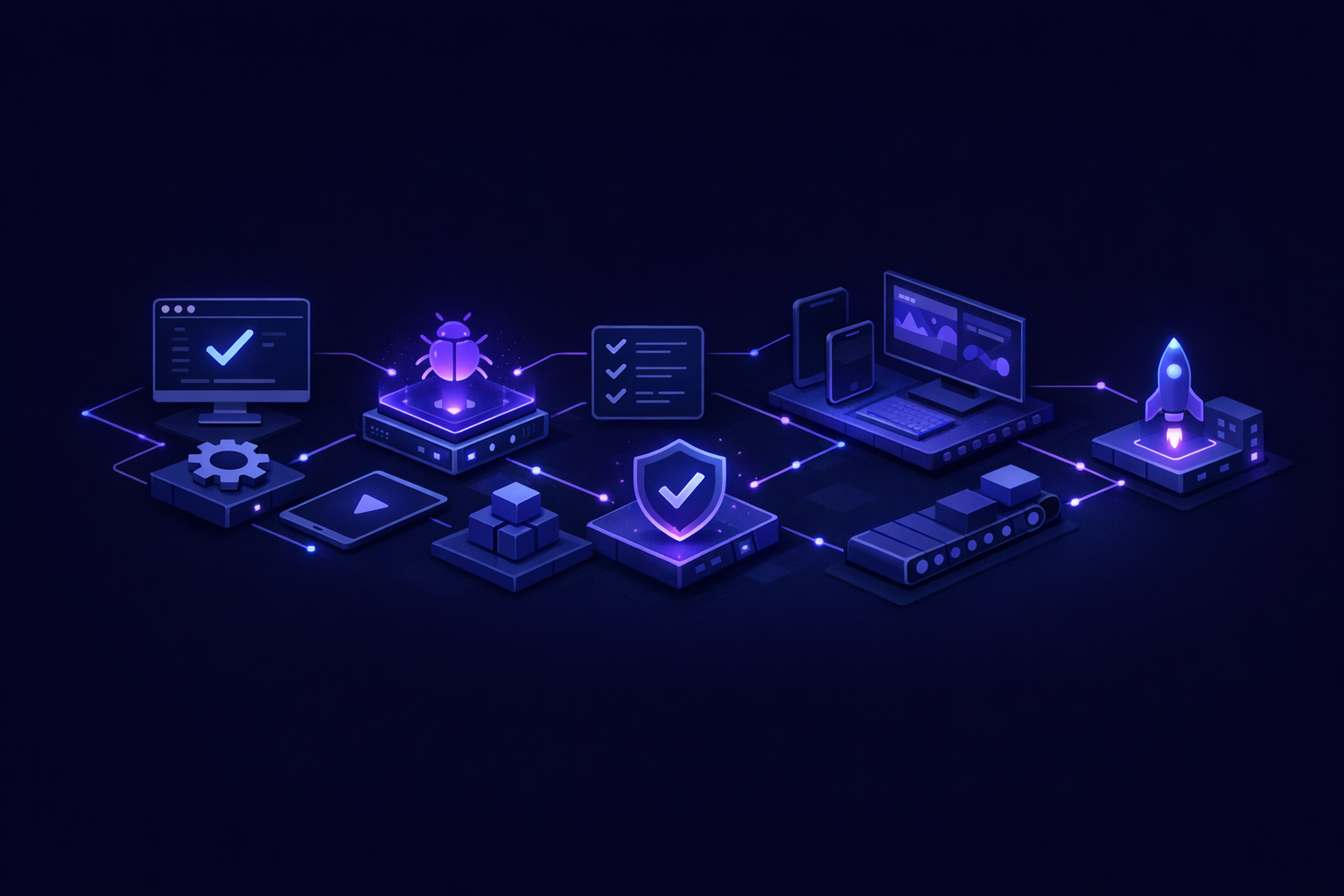
Use this before you show the app to users or investors. It is intentionally practical.
- A new user can sign up, verify or complete onboarding, log out, and log back in.
- Protected pages reject logged-out users.
- Users cannot access records that do not belong to them.
- The app has a real production deployment, not only a local demo.
- Environment variables are configured separately for development and production.
- Database tables have clear ownership and relationships.
- Payment success is confirmed server-side if money is involved.
- Subscription state is stored and used consistently.
- Email sending works from the production domain or verified sender.
- Empty states, loading states, and basic error states exist.
- The client owns the repo and deployment access.
- There is a short README or handoff note explaining how to run and deploy the app.
If several of these are missing, you may still have a useful prototype. You probably do not yet have a production ready app.
How we scope production readiness without dragging the timeline out
Production-ready does not mean enterprise-bloated. It means the essential risks are handled for the product’s current stage.
That is why our tiers are fixed around scope, not open-ended hours:
- $1,000 “Proof of concept” — proof of concept, delivered in 2–4 days
- $5,000 “Real app” — full app with logins and a database, delivered in 4–6 days
- $10,000 “Launchable MVP” — advanced MVP with subscriptions, integrations, or AI features, delivered in 7–10 days
The scope discipline matters. A proof of concept should not pretend to be a SaaS platform. A real app should have authentication and persistence. A launchable MVP with subscriptions should not treat Stripe as a decorative button.
When founders ask how fast an MVP can ship, the honest answer is: quickly, if the scope is tight and the engineering standard is clear. Our related guide on building an MVP fast explains what can realistically fit into a 10-day build.
The practical test: can a stranger use it?
The simplest production-readiness test is this: can someone who did not build the app use it successfully without a guided tour?
That person should be able to:
- Land on the app.
- Understand what action to take.
- Create an account if required.
- Enter or retrieve their own data.
- Pay if payment is part of the product.
- Receive expected emails or confirmations.
- Return later and continue where they left off.
If the founder has to explain database state, manually flip a field, resend a link from the dashboard, or tell the user not to click a certain route, the app is not production-ready yet.
That does not mean the app is worthless. It means it is still in prototype territory.
FAQ
Is a production ready app the same as a finished product?
No. A production ready app is safe and functional enough for real use at its intended stage. A finished product may have more features, deeper analytics, admin tools, support workflows, and polish. Production-ready is about reliability and ownership, not feature count.
Can AI-generated code become production-ready?
Yes, but it needs engineering review and usually refactoring. AI can accelerate implementation, but someone still has to validate architecture, security, permissions, data modeling, deployment, and payment flows. The risk is assuming generated code is production-ready because the UI looks complete.
What is the fastest realistic path from demo to production?
Start by identifying the core workflow and the highest-risk integrations. For most SaaS MVPs, that means auth, database ownership, deployment, and payments if needed. Fix those before adding more screens. A smaller product with real foundations beats a larger demo that breaks under normal use.
How do I know if my current app is just a prototype?
If it only runs locally, relies on mock data, has no real permissions, has no production deployment, or requires the original builder to operate it, it is probably still a prototype. That can be useful for validation, but it should not be treated as launch-ready.
The standard is simple
“It works on my screen” is a starting point. It proves there is something to inspect. It does not prove the app can handle users, payments, data, deployment, errors, or ownership.
A production ready app is built around the boring parts on purpose. That is what lets a founder sell, test, learn, and iterate without rebuilding from scratch after the first real user shows up.
If you want a fixed-price build with working software before final payment, apply to Build My App Fast.