
How to Price a SaaS From Day One
How to price a SaaS from day one: choose a value metric, set simple tiers, validate willingness to pay, and ship billing without overbuilding.
Build My App Fast · Aug 18, 2026 · 10 min read
If you are searching for how to price a saas, the answer is: pick the value metric first, publish one paid self-serve offer, and treat the first price as a testable product decision, not a permanent financial model. Day-one SaaS pricing is not about finding the perfect number. It is about learning whether customers understand the value, will enter a credit card, and keep using the product after the first promise is fulfilled.
Most early founders make pricing too abstract. They compare competitor pages, debate freemium, or build elaborate tier tables before they have usage data. That feels productive, but it avoids the real question: what does the customer believe the product is worth before you have a brand, case studies, or a sales team?
Good early pricing should force that conversation quickly.
How to price a SaaS from day one

Day-one SaaS pricing has three jobs:
- Clarify who the product is for. A cheap tool for solo operators, a team workflow product, and a compliance-heavy B2B product should not be priced the same way.
- Expose willingness to pay. Compliments are weak signal. A checkout attempt, signed pilot, or paid subscription is better.
- Shape the product architecture. Pricing affects accounts, roles, usage limits, billing events, and entitlement checks.
The simplest practical starting point is:
- One primary customer segment
- One value metric
- One paid plan
- One clear upgrade path you can add later
That is enough to test demand without pretending you already know your future packaging.
If you have not validated the problem yet, do that before building the pricing page. A landing page, manual outreach, and payment-intent test can save you from pricing a product nobody wants. We covered that process in Test Startup Demand Without Writing Code.
Choose the value metric before the price
A SaaS price is easier to defend when it scales with the customer’s perceived value. The value metric is the unit customers associate with usage, outcome, or capacity.
Do not start with “Basic, Pro, Enterprise” names. Start with the meter.
| Pricing metric | Works well when | Watch out for |
|---|---|---|
| Per seat | Value increases with each active user | Penalizes adoption if every invite raises the bill |
| Per account or workspace | A company buys the product as a shared system | Heavy users may cost more than light users |
| Usage-based | Cost and value rise with API calls, messages, credits, or processed items | Customers may fear unpredictable bills |
| Feature-based | Advanced workflows are clearly more valuable than basic workflows | Artificial feature gates can feel annoying |
| Transaction or volume-based | You help customers process money, orders, leads, or documents | Needs careful margin and fraud thinking |
The wrong metric creates friction even if the price is “reasonable.” For example, per-seat pricing can be bad for products that need broad internal collaboration. Usage pricing can be bad if customers cannot predict usage before they trust you. Feature pricing can be bad if the locked feature is required to experience the core value.
A good test: can a customer explain the pricing back to you in one sentence? If not, it is too clever for day one.
Start with a price you can defend
You do not need a perfect price. You need a defendable starting price.
Use one of these anchors:
- Cost avoided: What manual work, contractor spend, tool stack, or operational headache does this replace?
- Revenue created: Does the product help the customer close more deals, retain users, collect payments, or launch faster?
- Risk reduced: Does it reduce security, compliance, reporting, or process failure risk?
- Speed gained: Does it compress a workflow that matters to the buyer?
The strongest early pricing conversations sound like this:
“This replaces a painful workflow that currently costs you time, money, or missed opportunity. The price is small compared with that outcome.”
The weakest sound like this:
“Competitor A charges something similar, so we copied them.”
Competitor research is useful, but it should not be the only input. Competitors may have different customers, margins, acquisition channels, compliance burdens, or enterprise sales motions. Copying their page can make your product look normal while teaching you nothing.
For an MVP, I prefer a stated paid plan over “contact us” unless the product genuinely requires a sales process. A public price creates a sharper signal. If prospects keep asking for calls before paying, that may mean the value is unclear, the buyer is not self-serve, or the product is too high-risk to purchase casually.
Do not overbuild tiers before usage data
Early SaaS founders often want three tiers because every mature SaaS has three tiers. The problem is that mature SaaS pricing is shaped by years of usage data, churn reasons, sales calls, support load, and margin analysis.
On day one, too many tiers create avoidable decisions:
- Which features belong in each plan?
- What happens when a user downgrades?
- Which limits are hard blocks versus soft warnings?
- Do admins, members, and guests count differently?
- How do refunds, failed payments, and plan changes work?
Those are real engineering questions, not just pricing-page copy.
For most early products, a cleaner approach is:
- Launch with one paid self-serve plan
- Add a higher plan only when you can name the buyer and the extra value
- Keep enterprise/custom pricing off the main path until sales conversations demand it
This aligns with good MVP scope. The product should prove the core behavior before it proves every packaging variation. If you are still deciding what belongs in the first release, use the 3-feature discipline from MVP Features: The 3-Feature Rule.
Decide free trial, freemium, or paid from day one
Free trial and freemium are not the same thing.
A free trial gives access for a limited time. It works when users can reach the product’s “aha” moment quickly and then decide.
A freemium plan gives ongoing free access. It works when free users create distribution, network effects, or a large upgrade pool. It can also create support burden and infrastructure cost before the business model is proven.
A paid-from-day-one plan works when the buyer already feels the pain and the product promises a specific business outcome.
For a new SaaS with no audience, I would be careful with freemium. It can produce signups that feel like validation while avoiding the harder question: will anyone pay?
A practical compromise is a short assisted trial: let early users in, help them reach the valuable workflow manually if needed, then ask for payment once the value is visible. You learn more from those conversations than from anonymous free accounts that never activate.
Build billing into the MVP, but only the billing you need
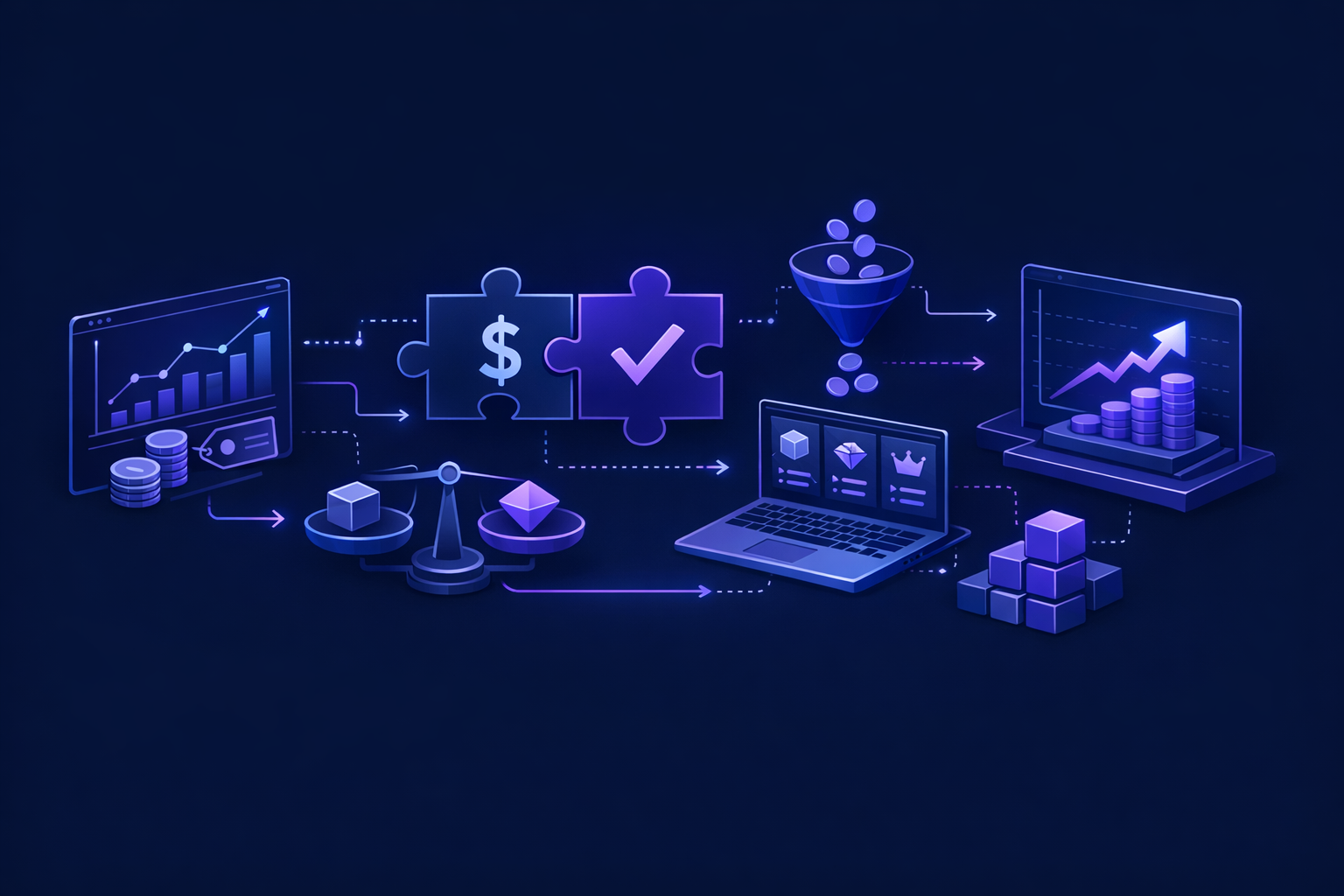
Pricing is not just a marketing page. Once a user pays, the app needs to know what they are allowed to do.
At minimum, a SaaS MVP with subscriptions usually needs:
- A pricing page or upgrade screen
- Checkout
- Subscription status stored in the database
- Webhook handling for payment and cancellation events
- Entitlement checks in the app
- A billing portal or support path for card updates and cancellations
Stripe is the standard choice for many modern SaaS apps, and its subscription billing docs are worth reading before you scope the feature. The important point is not “add Stripe.” The important point is to connect Stripe events to your actual product permissions.
This is where quick prototype code often breaks down. A checkout link is easy. Production billing is the part after checkout: failed payments, canceled subscriptions, duplicate webhook events, test mode versus live mode, role-based access, and database consistency.
If you are building on Next.js, Supabase, and Stripe, we have a more technical walkthrough here: Stripe Next.js Payments: 2026 Guide. For the broader stack decision, see Best SaaS Tech Stack 2026: Next.js, Supabase, Stripe.
A day-one SaaS pricing checklist
Use this before you publish the first paid plan:
- The target buyer is specific enough to recognize themselves
- The value metric matches how customers experience value
- The first plan can be explained in one sentence
- The price is tied to cost avoided, revenue created, risk reduced, or speed gained
- The checkout path is real, not just a “coming soon” button
- The app records subscription status in the database
- Paid and unpaid users see different permissions where needed
- You have a simple policy for cancellations, refunds, and failed payments
- You know what question the first paid users are helping you answer
The last item matters most. Your first price is a learning tool. After the first real conversations, you may learn that the plan is too cheap, too expensive, aimed at the wrong buyer, or using the wrong metric. That is normal. What matters is that the product and billing system are simple enough to change.
What we usually build for SaaS pricing tests
At Build My App Fast, we try to keep early pricing scope honest. Founders often need a real app, not a six-month platform, to test whether people will pay.
Our fixed tiers are:
- $1,000 “Proof of concept” — proof of concept, delivered in 2–4 days
- $5,000 “Real app” — full app with logins and a database, delivered in 4–6 days
- $10,000 “Launchable MVP” — advanced MVP with subscriptions, integrations, or AI features, delivered in 7–10 days
For a SaaS pricing test, the right tier depends on what must be true to collect meaningful payment signal. A landing-page-style proof of concept may be enough if you are testing demand. A real app is usually the minimum when users need accounts, saved data, and a workflow. A launchable MVP is the better fit when subscriptions, integrations, AI features, or more complex permissions are central to the value.
The key is not to build every future pricing idea. It is to build the smallest production-ready billing path that lets customers pay, use the product, and reveal what they value.
FAQ
Should I make my SaaS free at launch?
Only if free usage helps the business model. Free can be useful for distribution, collaboration, or developer adoption. But if your main risk is willingness to pay, a free plan can hide the truth. A paid plan or assisted trial gives cleaner signal.
Should I show pricing publicly or use “contact us”?
Show pricing publicly when the product can be bought self-serve and the buyer understands the value without a sales process. Use “contact us” when pricing depends on compliance, procurement, implementation, high usage variability, or a multi-stakeholder sale.
How often should I change early SaaS pricing?
Change it when you learn something meaningful, not whenever you feel uncertain. Early pricing should be flexible, but constant changes make it hard to interpret results. Keep notes on who objected, why they objected, and whether the objection was about price, value, trust, or missing features.
What is the biggest pricing mistake for a new SaaS?
The biggest mistake is building packaging complexity before proving value. If users do not understand the outcome, more tiers will not fix it. Start with a clear buyer, a clear value metric, and a real payment path.
If you want pricing built into the MVP
A SaaS price is not just a number on a page. It affects the database, checkout, webhooks, permissions, onboarding, and support flow. If you want a fixed-price build where real engineers ship the pricing path with the app, apply to Build My App Fast.