
Vibe Coding vs No-Code vs Custom Dev
A vibe coding vs no-code guide for founders comparing speed, control, costs, production risk, and when custom development is worth it.
Build My App Fast · Sep 8, 2026 · 12 min read
Vibe coding vs no-code is really a question about how much control, reliability, and ownership you need before real users touch your product. Vibe coding is fastest when you need a rough coded prototype, no-code is strong for workflow apps and internal tools, and custom development is the right path when your MVP needs production-grade authentication, payments, data rules, integrations, performance, or long-term code ownership.
The mistake is treating these as interchangeable ways to “build an app.” They are different operating models. They create different constraints, different failure modes, and different bills later.
This founder guide compares all three paths in practical terms: what each is good for, where it breaks, and how to choose without overbuilding.
Vibe coding vs no-code: the short version
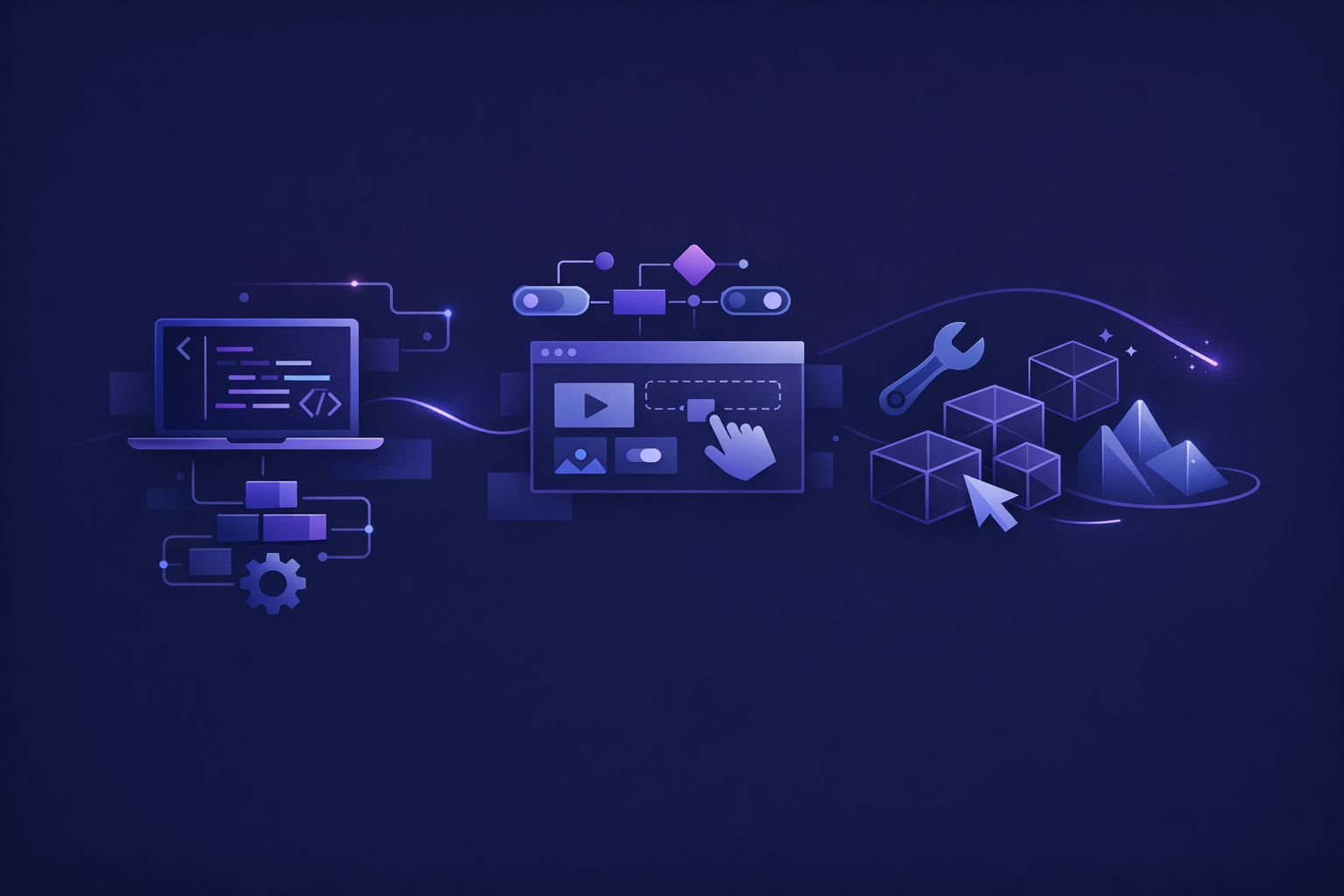
Here is the simplest way to think about it:
- Vibe coding: You prompt AI coding tools to generate an app. Best for fast demos, experiments, and learning what the product might feel like.
- No-code: You assemble an app inside a visual platform. Best for forms, dashboards, directories, automations, and simple marketplaces where platform limits are acceptable.
- Custom development: Engineers build the product directly in a real codebase. Best for launchable SaaS, subscription apps, AI products, apps with sensitive data, and products you expect to keep evolving.
None of these options is “bad.” The wrong choice is using the option whose weaknesses line up with your business-critical requirements.
If you are building a throwaway prototype, custom development can be too much. If you are taking payments, managing user roles, storing private customer data, or selling a subscription, vibe-coded glue can be too little. If you are building something that must be differentiated, no-code platform constraints can become the product ceiling.
What vibe coding is actually good for
Vibe coding is useful when you want to turn an idea into something visible quickly. Tools can generate screens, simple flows, basic APIs, and demo logic at a pace that would have seemed unrealistic a few years ago.
For founders, that has real value. A clickable landing experience or rough app can help you explain the product, recruit feedback, and discover where your own idea is unclear.
Vibe coding works best when:
- The product is still speculative.
- You do not yet know the core workflow.
- You need a demo for conversations, not a stable product for customers.
- The data model is simple.
- There are no serious security, billing, or compliance concerns.
- You are comfortable throwing the first version away.
The danger is that vibe-coded apps often look more complete than they are. A working screen is not the same as a production system. Authentication might be fragile. Database permissions might be too broad. Error handling might be missing. Payment flows might work only in the happy path. Deployment might depend on hidden assumptions.
That is why we separate “it runs” from “it is production-ready.” If you want a deeper breakdown of hidden risks, read our guide to vibe coding risks.
What no-code is actually good for
No-code tools are strongest when the shape of the app fits the platform. A CRM, application portal, internal admin tool, intake form, booking flow, lightweight marketplace, or simple membership dashboard can often be built quickly with visual builders and database-like backends.
The advantages are clear:
- You can move fast without hiring engineers.
- Non-technical founders can make changes directly.
- Hosting and deployment are often abstracted away.
- Many integrations are available out of the box.
- The first version can be cheaper than custom development.
No-code becomes difficult when your app needs behavior the platform does not naturally support. That might include complex permissions, custom billing logic, unusual data relationships, advanced search, AI workflows, strict performance requirements, or a front-end experience that needs to feel highly polished.
The other issue is ownership. With no-code, you usually own the business logic and data, but not a portable app in the same way you own a custom codebase. If the platform pricing, limits, plugin ecosystem, or export options become a problem, migration can be expensive.
For a focused comparison, see No-Code vs Custom Code: Which Should You Choose?.
Where custom development wins
Custom development wins when the product must become a real asset instead of a temporary experiment.
A production-ready custom app gives you:
- A codebase your company owns.
- A data model designed for your actual product.
- Authentication and authorization implemented deliberately.
- Payment flows that can support real customers.
- Version control, review, and deployment discipline.
- Easier extension when the product changes.
- Fewer platform ceilings.
At Build My App Fast, our default stack for this kind of work is practical, not exotic: Next.js, React, Supabase, Stripe, Tailwind, Resend, and Vercel. That stack is fast to ship, familiar to experienced engineers, and suitable for many SaaS, marketplace, workflow, and AI-enabled MVPs.
For example, Supabase provides a real database and auth system, with documented patterns for user management in the Supabase Auth docs. Stripe provides mature primitives for subscriptions and billing in the Stripe subscriptions docs. These are not demo-only tools. They are production building blocks when implemented correctly.
Custom development does not mean months of agency ambiguity. Our fixed tiers are intentionally narrow:
- $1,000 “Proof of concept” — proof of concept, delivered in 2–4 days
- $5,000 “Real app” — full app with logins and a database, delivered in 4–6 days
- $10,000 “Launchable MVP” — advanced MVP with subscriptions, integrations, or AI features, delivered in 7–10 days
The point is not to build every feature. The point is to build the right first version in a real codebase, on a real deployment path, with full code ownership.
Comparison table: which path fits your MVP?
| Situation | Vibe coding | No-code | Custom development |
|---|---|---|---|
| You need a quick demo for conversations | Strong fit | Good fit | Often too much |
| You need internal workflow automation | Possible | Strong fit | Good if complex |
| You need user accounts and private data | Risky without review | Possible with limits | Strong fit |
| You need Stripe subscriptions | Risky unless engineered | Possible with platform constraints | Strong fit |
| You need unusual UX or product differentiation | Possible but fragile | Often constrained | Strong fit |
| You need full code ownership | Yes, but quality varies | Usually limited | Strong fit |
| You expect to scale the product | Needs audit/rebuild | Depends on platform | Strong fit |
| You are not sure demand exists | Strong fit | Strong fit | Scope tightly first |
The key is matching the build method to the current business question.
If the question is “Can I explain this idea?” use vibe coding or a simple prototype.
If the question is “Can I run this workflow manually with early users?” no-code may be enough.
If the question is “Can customers sign up, pay, use this, and trust it?” custom development becomes much more compelling.
The founder decision framework
Use this checklist before you choose a build path:
- Do users need accounts, roles, or permissions?
- Will the app store private, financial, health, or business-sensitive data?
- Will customers pay inside the app?
- Do you need subscriptions, invoices, trials, coupons, or upgrades?
- Will the product depend on third-party integrations?
- Does the app need custom AI features, not just a chatbot widget?
- Will the workflow change after user feedback?
- Do you need to own the code and move it later?
- Would a platform limitation change the product you want to build?
- Are you planning to keep building on this foundation after launch?
If most answers are “no,” vibe coding or no-code may be enough.
If several answers are “yes,” you are probably not just validating an idea. You are building the first version of a software business. That does not require a giant budget, but it does require engineering judgment.
Before any build, we recommend writing a one-page product brief. It forces decisions about the user, core workflow, data, payments, and launch goal. You can use our product brief template to make the scope concrete before choosing a tool or team.
Cost is not just the first build
Founders often compare options by the starting price. That is understandable, but incomplete.
A vibe-coded prototype can look nearly free until you need someone to untangle it. A no-code app can feel cheap until you hit plugin limits, performance problems, or pricing that scales poorly with your use case. Custom development can look more expensive upfront, but cheaper over time if the codebase becomes the foundation for the company.
The real cost categories are:
- Initial build cost: What does it take to get version one working?
- Change cost: How hard is it to adjust after feedback?
- Debugging cost: Can someone diagnose problems quickly?
- Platform cost: Are you paying for seats, plugins, workflow runs, or usage in ways that change your margins?
- Migration cost: If this works, can you move forward without rebuilding?
- Trust cost: Will users trust the product with their data or payment details?
For a founder, the biggest cost is often not the invoice. It is losing weeks because the product is built on a foundation that cannot support the next obvious step.
When to start with vibe coding
Start with vibe coding when the main risk is clarity.
Maybe you are not sure what screens the product needs. Maybe you want to test a dashboard concept. Maybe you need to show a cofounder, investor, or customer what you mean. In that case, use AI tools to make the idea tangible.
But set expectations clearly:
- Treat the output as a prototype unless reviewed by an engineer.
- Do not connect real customer payment methods casually.
- Do not store sensitive user data without understanding the backend rules.
- Do not assume generated code is maintainable.
- Do not keep stacking features if the foundation is already messy.
Vibe coding is excellent for discovery. It is risky as an unreviewed production strategy.
When to start with no-code
Start with no-code when the app is mostly structured data, forms, dashboards, and workflow logic.
No-code is especially useful when the founder or operations team needs to keep changing fields, statuses, and admin views. If the product is essentially a better process wrapper, no-code may be the fastest way to learn.
But be honest about the ceiling. If your “simple workflow app” is actually a multi-tenant SaaS with permissions, billing, audit trails, custom analytics, and external integrations, no-code may only postpone the hard parts.
No-code can validate operations. It can validate willingness to use a workflow. It may not validate whether your eventual software product can be built economically inside that platform.
When to start with custom development
Start with custom development when the MVP needs to behave like real software from the beginning.
That usually means at least some of the following:
- Users create accounts and return over time.
- Data belongs to different users or organizations.
- Payments are part of the product.
- You need a polished customer-facing experience.
- You need AI features connected to your own app data.
- You need integrations with external services.
- You plan to keep iterating after launch.
- You want the codebase to be a company asset.
This is where production discipline matters. A launchable MVP is not just pages and buttons. It needs database rules, environment variables, deployment setup, error handling, email delivery, billing states, and a codebase another engineer can understand later.
That is why we care about “production-ready” as a practical standard, not a buzzword. Our post on what makes an app production ready explains the gap between a demo and something customers can rely on.
The hybrid path: prototype first, then engineer the core
The best path is often not ideological.
A founder might use vibe coding to explore the interface, no-code to run manual operations, and custom development to build the product customers eventually pay for. That is a healthy progression if each stage has a clear purpose.
A common sequence looks like this:
- Smoke test the promise with a landing page, calls, or manual outreach.
- Prototype the experience with vibe coding or no-code.
- Write a tight product brief around the proven workflow.
- Build the production MVP in a real stack.
- Launch to a small group and iterate based on usage.
The problem starts when founders skip the decision point between prototype and product. They keep adding features to a fragile build because it feels faster than stopping to rebuild the foundation. Eventually, every change gets slower.
FAQ
Is vibe coding better than no-code?
Not universally. Vibe coding is better when you want a coded prototype quickly or need a custom-looking demo. No-code is better when your product fits a platform’s built-in data, workflow, and integration patterns. For production software, both need scrutiny before customers depend on them.
Can I launch a SaaS with no-code?
Yes, if the SaaS fits the platform’s constraints and your customers do not need behavior the platform struggles to support. The risk increases with subscriptions, complex permissions, custom UX, heavy integrations, and long-term scaling expectations.
Should I throw away my vibe-coded prototype?
Not always. Sometimes it can be audited and improved. But if the architecture, database model, authentication, or payment logic is messy, rebuilding the core may be faster and safer than patching generated code indefinitely.
When is custom development worth it for a founder?
Custom development is worth it when the MVP must support real users, real data, payments, integrations, or a product you plan to keep improving. It is especially worth it when full code ownership matters.
Bottom line
The vibe coding vs no-code decision is not about fashion. It is about the job your first version must do.
Use vibe coding to explore. Use no-code to validate simple workflows. Use custom development when you need a launchable product with ownership, security, and room to evolve.
At Build My App Fast, we build fixed-price apps with real engineers, fixed timelines, full code ownership, and working software visible before final payment. If your idea has moved past the prototype stage and needs to become a real app, apply here.