
The Anatomy of a Production-Ready SaaS Architecture
A practical SaaS architecture breakdown for founders: auth, database, payments, email, deployment, security, and MVP scope.
Build My App Fast · Sep 9, 2026 · 12 min read
A production-ready SaaS architecture is not a giant cloud diagram. It is the practical structure that lets real users sign up, access the right data, pay, receive emails, recover from errors, and use the product without the founder babysitting every session. For most early SaaS products, the right architecture is boring on purpose: Next.js, React, Supabase, Stripe, Tailwind, Resend, and Vercel, wired together with clear ownership boundaries and a small enough scope to ship.
The mistake we see often is treating architecture as either something to ignore or something to overdesign. Ignoring it creates the “works on my screen” app that breaks when payments, permissions, or production data arrive. Overdesigning it burns weeks before a user can test the idea. The useful middle is a production-ready MVP architecture: simple, secure, deployable, and built so the next developer can understand it.
If you want the broader definition of production readiness, read Production Ready App: Beyond Works on My Screen. This post focuses on the internal anatomy: what has to exist under the hood.
SaaS architecture: the layers that matter
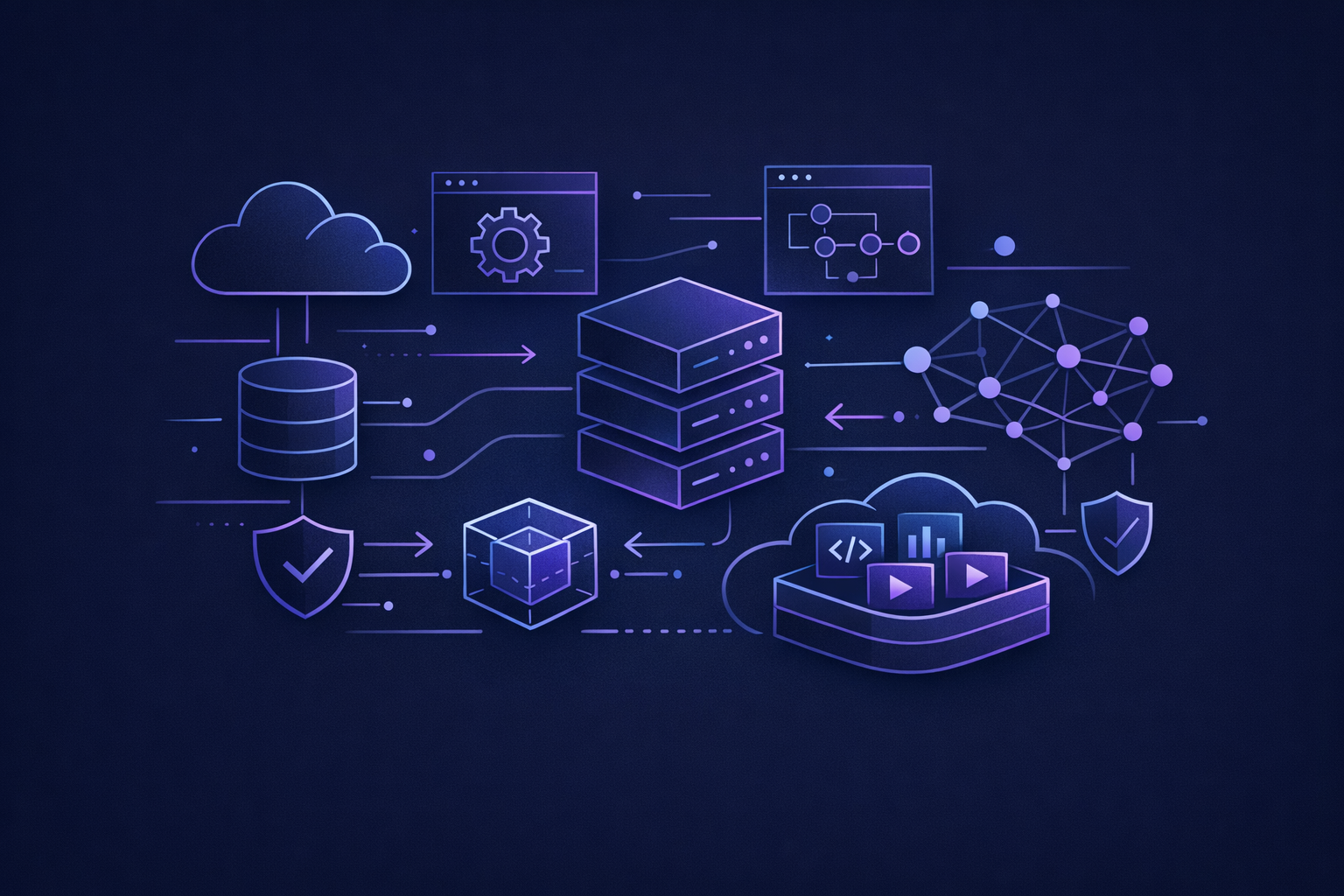
A SaaS product usually has the same core layers, even when the feature set is small. The names vary, but the responsibilities do not.
| Layer | Production-ready choice | Why it matters | Common shortcut that fails later |
|---|---|---|---|
| Frontend | Next.js + React + Tailwind | Fast UI, routing, forms, responsive layouts | Static mockups with no real state |
| Authentication | Supabase Auth | Users can sign up, sign in, reset passwords, and maintain sessions | Hardcoded users or shared passwords |
| Authorization | Role and ownership checks, often with Supabase RLS | Users only see and change their own data | “Hide the button” instead of securing data |
| Database | Supabase Postgres | Durable relational data with migrations and query structure | JSON blobs with unclear ownership |
| Payments | Stripe Checkout/Billing + webhooks | Subscriptions, invoices, payment status, lifecycle events | Trusting only the redirect after checkout |
| Resend | Transactional emails for onboarding, receipts, invites, alerts | Manual emails from the founder | |
| Deployment | Vercel with environment variables | Repeatable builds, previews, production releases | Local-only app with no deployment path |
| Operations | Logs, error handling, admin views, backups where needed | Support and debugging without guessing | Screenshots from users as the only diagnostic |
This is not enterprise architecture. It is the minimum shape of a SaaS app that can survive real usage.
Start with the product boundary, not the database
Architecture starts with a decision: what is the product allowed to do in version one?
Before tables, components, or payment flows, define:
- Who can log in?
- What object does the user create, edit, or manage?
- Is data owned by an individual user or a workspace/team?
- What actions are free, paid, admin-only, or blocked?
- What emails must be sent automatically?
- What happens when payment fails or a subscription is canceled?
This is why scoping is not just a project-management exercise. It directly affects the architecture. A single-user notes app and a team-based SaaS with invites need different data models. A free tool and a subscription product need different Stripe integration depth.
If you are still deciding what belongs in version one, use a tight MVP scope before you design around imaginary features. Our guide on how to scope an MVP so it ships in under 2 weeks is a good companion to this step.
The web app layer: keep UI and business rules separate
In a Next.js SaaS app, the frontend should make the product feel clear and fast. It should not become the place where every important business rule lives.
A good pattern is:
- Use React components for screens, forms, tables, dashboards, and interaction.
- Use server-side code for sensitive operations like creating Stripe checkout sessions, updating subscription state, or calling external APIs.
- Keep reusable business logic in dedicated modules instead of burying it inside components.
- Validate form input before it touches the database.
- Treat loading, empty, success, and error states as part of the feature, not polish.
This matters because founders often judge progress by visible screens. Screens are necessary, but production readiness lives in the flows behind them. The dashboard must not only render. It must load the right account, handle a missing record, block unauthorized edits, and give a useful error when something fails.
Auth and authorization are different problems
Authentication answers: “Who is this user?” Authorization answers: “What is this user allowed to do?”
A production-ready SaaS architecture needs both.
Supabase Auth handles the sign-up and login foundation well for most early SaaS products. But login alone is not enough. After a user is authenticated, the app still needs to know whether the user can read a project, invite a teammate, manage billing, access an admin page, or edit a resource.
For Supabase-backed apps, Row Level Security is one of the most important production-readiness tools. The official Supabase Row Level Security docs are worth reading because RLS moves data access rules closer to the database, where they are harder to accidentally bypass.
In practice, this means your architecture should define:
- A
usersorprofilestable for app-specific user data. - An
organizationsorworkspacestable if teams exist. - A
membershipstable if multiple users can belong to the same account. - Ownership fields on domain tables, such as
user_idororganization_id. - Policies or server-side checks that enforce those boundaries.
The risky shortcut is relying only on frontend conditionals. Hiding a button is not authorization. If the underlying query or API route still permits the action, the app is not secure.
The database model should match the business model
Early SaaS apps do not need hundreds of tables. They do need the right few tables.
A simple paid SaaS might include:
profilesorganizationsmembershipsprojectsor the main customer-owned objectsubscriptionsusage_eventsif usage limits matterinvitationsif team invites existaudit_eventsfor important account or billing changes
The key architectural question is tenancy. Is the product user-scoped or organization-scoped?
User-scoped is simpler: each record belongs to one user. Organization-scoped is more flexible: users belong to workspaces, and records belong to those workspaces. If you expect teams, shared billing, invites, or admin/member roles, decide that early. Retrofitting organization tenancy after launch can touch nearly every query, policy, and UI screen.
That does not mean every MVP needs team accounts. It means the architecture should reflect the actual go-to-market motion. A solo consultant tool can often be user-scoped. A B2B workflow product often needs organization-scoped data from day one.
Payments are a system, not a button
Stripe makes payment collection approachable, but SaaS billing is still a lifecycle.
A production-ready Stripe integration usually includes:
- A server-side checkout session creation flow.
- A stored Stripe customer ID.
- A stored subscription ID and subscription status.
- Webhook handling for subscription created, updated, canceled, and payment events.
- Gating inside the app based on stored subscription state.
- A path for customers to manage or cancel billing.
The important part: do not trust the checkout success page as the source of truth. A user can land on a redirect page before every billing state has settled. Webhooks exist because Stripe needs to notify your system about events reliably. The official Stripe webhooks documentation explains the model.
For a deeper implementation walkthrough, see Stripe Next.js Payments: 2026 Guide.
Email, notifications, and support visibility

Most SaaS apps need email earlier than founders expect.
Common transactional emails include:
- Welcome or onboarding email.
- Magic link or password reset email through the auth provider.
- Invite email for team members.
- Payment or subscription status email.
- Notification when an important workflow completes.
- Support or admin alert when a critical integration fails.
Resend is a strong fit for this layer because it keeps transactional email simple and developer-friendly. But the architectural principle matters more than the vendor: email should be triggered by the system, not remembered manually by the founder.
Support visibility also belongs here. If a user says, “I paid but I’m still locked out,” the app should give the operator enough information to inspect the user, subscription, and relevant events. That may be a lightweight admin page, structured logs, or both.
AI and integrations need containment
If your SaaS includes AI features or third-party integrations, isolate them behind server-side boundaries.
Do not expose provider keys to the browser. Do not let the UI call expensive APIs directly without limits. Do not mix generated output into core database records without tracking where it came from.
A practical pattern is:
- User submits an action in the app.
- Server validates permissions and input.
- Server calls the AI or integration provider.
- Response is stored with status, owner, timestamp, and any relevant metadata.
- UI reads the stored result and shows the user a clear state.
This keeps the app debuggable. It also makes it easier to add retries, usage limits, human review, or alternate providers later. If AI is central to your product, read How to Add AI Features to App Without Overspending before you commit to a large build.
Deployment architecture: preview, production, rollback
A production-ready SaaS should not depend on one developer’s laptop.
With Next.js and Vercel, the basic deployment architecture should include:
- A source-controlled codebase.
- Environment variables separated for local, preview, and production.
- Preview deployments for testing branches before production.
- A production deployment connected to the real domain.
- Clear handling for database credentials, Stripe keys, Resend keys, and other secrets.
- A repeatable process for deploying fixes.
The goal is not ceremony. The goal is that a bug fix can be shipped without guessing which files changed, which keys are live, or whether the deployed app matches the code repository.
This is one reason we prefer a modern custom-code stack over fragile assembled demos. The stack described in Best SaaS Tech Stack 2026: Next.js, Supabase, Stripe is popular because it gives small teams a real production path without requiring a dedicated platform team.
How architecture changes by build tier
At Build My App Fast, we use fixed prices and fixed timelines because architecture choices are tied to scope. We do not quote an open-ended “SaaS platform” and hope it lands somewhere reasonable.
Our tiers are:
- $1,000 “Proof of concept” — proof of concept, delivered in 2–4 days
- $5,000 “Real app” — full app with logins and a database, delivered in 4–6 days
- $10,000 “Launchable MVP” — advanced MVP with subscriptions, integrations, or AI features, delivered in 7–10 days
A proof of concept may only need a narrow flow, a lightweight data model, and enough deployment structure to test the idea. A real app needs authentication, database persistence, protected routes, and production deployment. A launchable MVP often needs Stripe, webhooks, integrations, AI boundaries, admin visibility, and more careful operational handling.
The architecture should be honest about the tier. A $1,000 proof of concept should not pretend to be a fully instrumented SaaS billing platform. A $10,000 launchable MVP should not be a pile of screens with no permissions model.
Production-ready SaaS architecture checklist
Use this checklist before you call the app ready for real users:
- Users can sign up, sign in, sign out, and recover access.
- Protected pages cannot be accessed by logged-out users.
- Users cannot read or edit data they do not own.
- The database has clear ownership fields and relationships.
- Sensitive actions run server-side, not only in the browser.
- Stripe status is updated through webhooks if payments exist.
- Transactional emails are automated where the product requires them.
- Secrets are stored in environment variables, not committed to code.
- Production and preview deployments are separated.
- Error states are visible and understandable to users.
- The founder or operator has a way to inspect key account and billing issues.
- The client owns the full codebase and can hand it to another developer.
That last point is not philosophical. Code ownership affects fundraising, hiring, maintenance, and vendor risk. A SaaS architecture is only useful if the business can actually own and operate it.
What not to overbuild in version one
Production-ready does not mean enterprise-ready.
Most early SaaS apps do not need Kubernetes, microservices, complex event buses, a custom design system, multi-region infrastructure, or a data warehouse on day one. Those things can become useful later, but they are usually distractions before the product has paying users.
What you do need is a clean monolith or modular app with real auth, a sane database, safe payment handling, working deployment, and enough structure for the next version. The best early architecture is boring, legible, and easy to extend.
FAQ
What is the best SaaS architecture for an MVP?
For most MVPs, the best SaaS architecture is a simple custom-code stack: Next.js and React for the app, Supabase for auth and Postgres, Stripe for payments, Resend for email, Tailwind for UI, and Vercel for deployment. It is enough to launch without introducing unnecessary infrastructure.
Should my SaaS be user-scoped or organization-scoped?
If each customer uses the product alone, user-scoped is simpler. If customers will invite teammates, share billing, assign roles, or collaborate on shared records, organization-scoped is usually the better foundation. This decision should be made before the database model is finalized.
Can vibe-coded apps have production-ready architecture?
Sometimes, but they need careful review. The visible UI may work while auth, authorization, payment webhooks, data ownership, and deployment structure are incomplete. For a real launch, inspect the architecture the same way you would inspect hand-written code.
How much architecture is enough before launch?
Enough to protect user data, collect payments correctly, deploy reliably, and support the core workflow. Not enough to satisfy every future enterprise requirement. The right version-one architecture should make the next release easier, not delay the first one indefinitely.
If you want a fixed-price SaaS build with real auth, database, payments, deployment, full code ownership, and working software before final payment, apply here.