
Supabase Row Level Security, Explained Simply
supabase row level security explained in plain English: what RLS does, why SaaS apps need it, and how to write safer policies.
Build My App Fast · Sep 14, 2026 · 14 min read
Supabase row level security is the database rule system that decides which rows each user can read, create, update, or delete. In plain English: instead of trusting your frontend to hide private data, you teach Postgres itself what every logged-in user is allowed to access.
That matters because most MVPs eventually store data that should not leak between users: projects, teams, invoices, messages, API keys, subscription records, documents, or AI prompts. If your app uses Supabase and you skip RLS, you may have a working demo, but you do not yet have a production-ready security model.
At Build My App Fast, we use Supabase often because it gives founders a strong Postgres database, authentication, storage, and APIs without weeks of backend plumbing. But Supabase only stays safe if Row-Level Security is designed intentionally. This guide explains the core ideas without assuming you are a database engineer.
What Supabase Row Level Security Actually Does
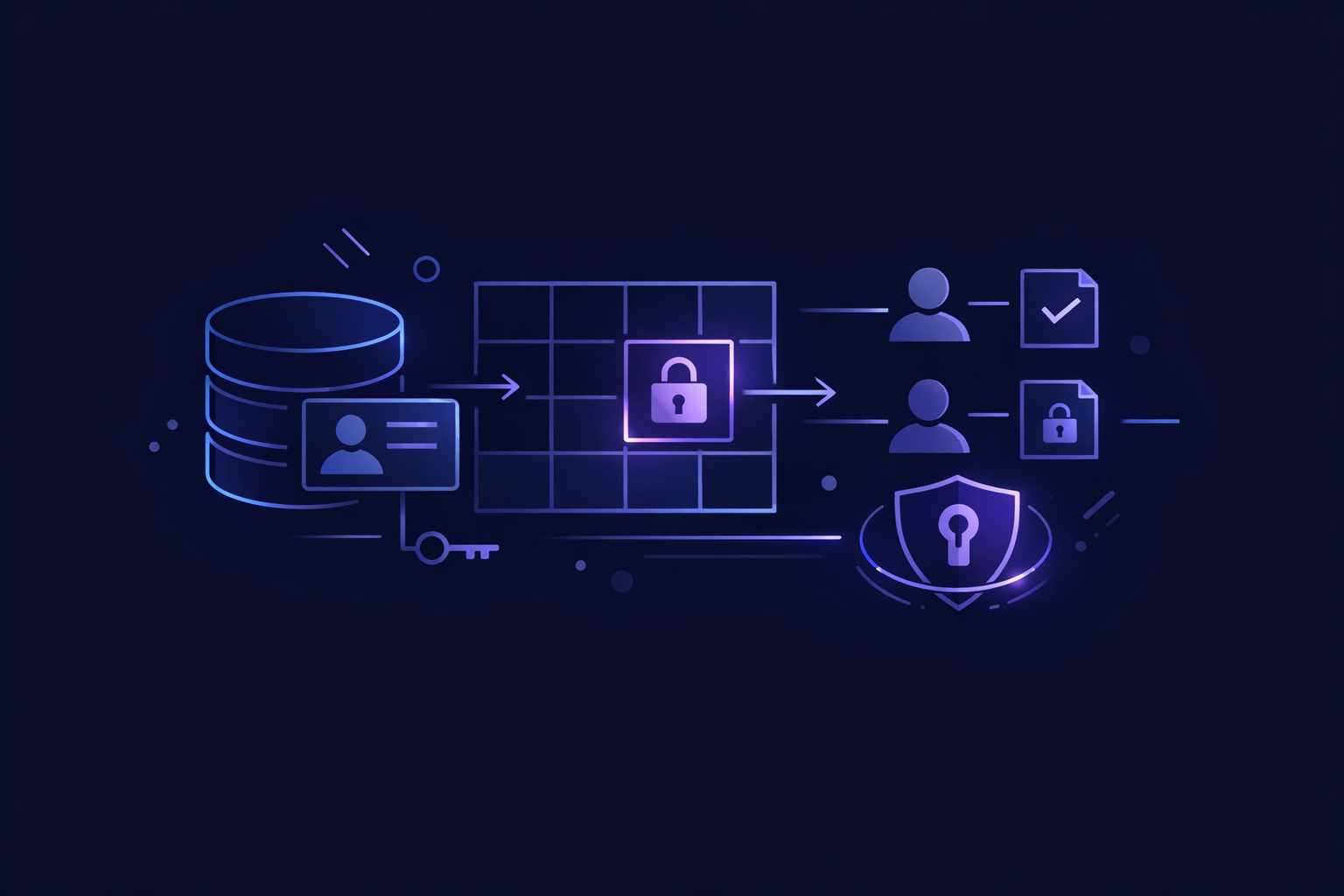
Supabase is built on Postgres. Postgres has a native feature called Row-Level Security, or RLS, that lets you attach policies to tables. A policy is a database rule like:
- “A user can only read profiles where
profiles.user_idequals their own user ID.” - “A team member can only see projects for teams they belong to.”
- “Only admins can update billing settings.”
- “Anyone can read published posts, but only the author can edit drafts.”
The important part: these rules live in the database, not only in your React or Next.js code.
If your frontend accidentally asks for too much data, RLS still filters the result. If an attacker opens the browser console and calls your Supabase API directly, RLS still applies. If an AI coding tool generates a query that forgets a where user_id = ... filter, RLS can prevent that bug from becoming a data leak.
The official Supabase docs describe the feature in more technical detail here: Supabase Row Level Security documentation. Under the hood, it relies on Postgres policies, which are covered in the PostgreSQL row security policies docs.
The Simple Mental Model
Think of your app in three layers:
- Frontend: Next.js, React, Tailwind, forms, dashboards, buttons.
- App logic: API routes, server actions, Stripe webhooks, email sending with Resend, AI calls.
- Database: Supabase Postgres tables, auth users, policies, functions.
Without RLS, your database mostly trusts the API key used to connect to it. In Supabase browser clients, that usually means the anonymous key. The anonymous key is meant to be public. It is not a secret. So the database needs to know what a specific logged-in user can do.
With RLS enabled, Supabase can evaluate the current authenticated user through helpers like auth.uid(). That gives your policy a stable way to say: “Only return rows owned by this user.”
A very simple policy might look like this:
create policy "Users can read their own profile"
on profiles
for select
using (auth.uid() = user_id);
Translated into normal language:
- This applies to the
profilestable. - It controls
select, meaning reads. - The row is visible only when the logged-in user’s ID equals the row’s
user_id.
That is the basic building block. More complex apps use team memberships, roles, admin permissions, paid subscription status, and public/private visibility fields, but the principle is the same.
Why Founders Should Care About RLS Early
RLS can feel like a backend detail. It is not. It affects scope, architecture, QA, and whether your app can be trusted with real users.
If you are building a SaaS MVP, RLS is part of the product boundary. A bug in the policy can mean one customer sees another customer’s private data. That is not a design polish issue. That is a launch-blocking issue.
This is also where “it works on my screen” development breaks down. A demo can look correct because the UI only shows the current user’s data. But if the table allows broad reads, a direct API call may expose rows the UI never intended to show. We covered this broader difference in Production Ready App: Beyond Works on My Screen.
RLS also changes how you should think about AI-generated code. AI tools often produce plausible Supabase queries, but they do not automatically understand your tenant model, role model, or data privacy requirements. That is one reason security reviews matter before shipping anything with payments, private content, or customer accounts. We discuss that risk more directly in AI Code Payments Security: Trust Your MVP?.
Supabase Row Level Security in Common App Patterns
Most founder MVPs we build fall into a few common data-access patterns. Here is how RLS usually maps to them.
| App pattern | Example data | Typical RLS rule | Common mistake |
|---|---|---|---|
| Personal workspace | Notes, saved prompts, personal tasks | User can access rows where user_id = auth.uid() | Forgetting to add user_id on insert |
| Team workspace | Projects, files, team dashboards | User can access rows for teams they belong to | Checking only ownership, not membership |
| Public/private content | Posts, listings, shared pages | Anyone can read published rows; owners can edit their rows | Letting anonymous users read drafts |
| Admin dashboard | Users, billing events, support data | Only users with admin role can read/update | Trusting a frontend “admin” flag |
| Subscription app | Plans, entitlements, usage limits | User can read own subscription; webhooks update via service role | Letting clients update paid status |
For a basic personal app, RLS is usually straightforward. For team-based SaaS, it needs more care. You often need a memberships table that connects users to organizations or workspaces.
For example:
create table organizations (
  id uuid primary key default gen_random_uuid(),
  name text not null
);

create table memberships (
  organization_id uuid references organizations(id),
  user_id uuid references auth.users(id),
  role text not null default 'member',
  primary key (organization_id, user_id)
);

create table projects (
  id uuid primary key default gen_random_uuid(),
  organization_id uuid references organizations(id),
  name text not null
);
Then your project read policy might ask: “Is the current user a member of the project’s organization?”
create policy "Members can read organization projects"
on projects
for select
using (
  exists (
    select 1
    from memberships
    where memberships.organization_id = projects.organization_id
      and memberships.user_id = auth.uid()
  )
);
That is more reliable than asking the frontend to remember every possible filter.
The Four Policy Types You Need to Understand
Supabase policies are usually written around four operations:
select: Who can read rows?insert: Who can create rows?update: Who can change rows?delete: Who can remove rows?
A safe app usually has different rules for each.
For example, a user may be able to read all public posts, but only update their own posts. A team member may be able to read all team projects, but only an owner can delete one. A customer may be able to read their subscription record, but never update stripe_subscription_status from the browser.
Two clauses matter when writing policies:
using: Which existing rows are visible or targetable?with check: Which new or changed rows are allowed?
For inserts, with check is especially important. Suppose a user creates a row in a tasks table. You do not only want to say they can insert. You want to ensure they cannot insert a row pretending to belong to someone else.
create policy "Users can create their own tasks"
on tasks
for insert
with check (auth.uid() = user_id);
For updates, you often need both:
create policy "Users can update their own tasks"
on tasks
for update
using (auth.uid() = user_id)
with check (auth.uid() = user_id);
Plain-English translation:
using: You may only update rows that already belong to you.with check: After the update, the row must still belong to you.
Without the second condition, a user might be able to change the ownership field if your table allows it.
What Happens If RLS Is Disabled?
In Supabase, enabling RLS on a table changes the default posture. Once RLS is enabled, access is denied unless a policy allows it.
That is the posture you want for private app data.
If RLS is disabled, the table may be exposed through Supabase APIs depending on grants and keys. That can be fine for a truly public table, but it is dangerous for user-owned or tenant-owned data. Founders often assume “the frontend does not show it” means “users cannot access it.” That is not how APIs work.
A browser-based Supabase client can be inspected. Network calls can be replayed. Filters can be changed. If the database policy does not enforce the rule, the app is relying on politeness.
This is one reason we prefer building MVPs on a deliberate architecture instead of duct-taping features until the launch date. If you want the bigger picture, see The Anatomy of a Production-Ready SaaS Architecture.
How RLS Works With Supabase Auth
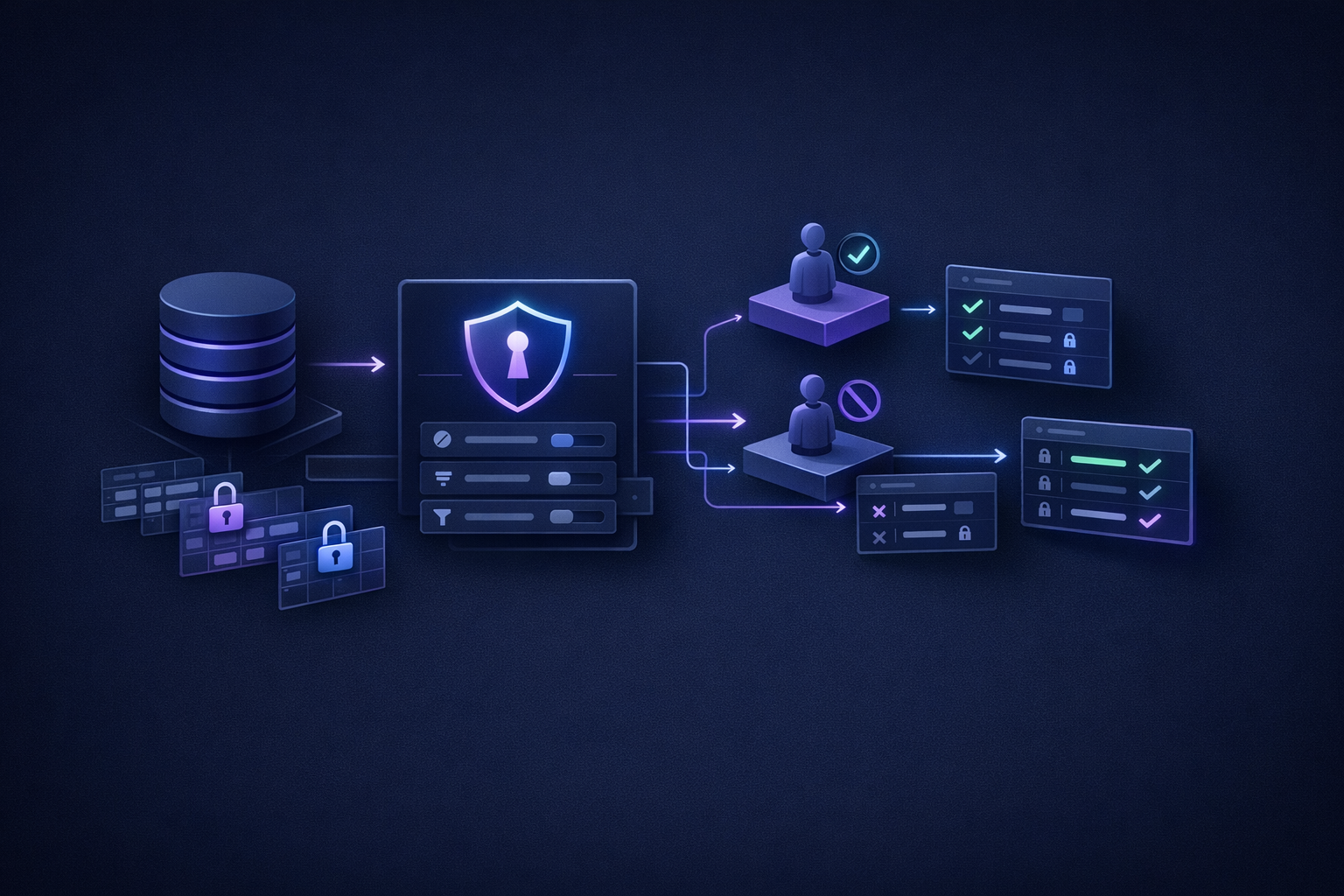
Supabase Auth gives each logged-in user a stable user ID. In policies, auth.uid() returns that ID for the current request.
That makes common owner-based policies simple:
using (auth.uid() = user_id)
But authentication and authorization are not the same thing.
Authentication answers: “Who is this user?”
Authorization answers: “What is this user allowed to do?”
Supabase Auth handles the first part. RLS helps you implement the second part. If your app has teams, roles, paid plans, or admin users, you still need to model those permissions in your database.
A simple example:
- Supabase Auth says the user is
user_123. - Your
membershipstable saysuser_123belongs toorg_abcas anowner. - Your RLS policy says owners can update billing settings for
org_abc.
If you are still setting up login flows, start with Supabase Auth Setup: Founder Walkthrough. Auth should be understood before RLS, because RLS policies depend on knowing who the user is.
Service Role Keys: Powerful and Dangerous
Supabase also provides a service role key. This key bypasses RLS. That is useful for trusted server-side operations, but it must never be exposed in the browser.
Good uses for the service role key:
- Stripe webhooks updating subscription status.
- Admin-only backend jobs.
- Data migrations.
- Server-side scripts run by trusted infrastructure.
- Internal support tools with separate access checks.
Bad uses:
- Putting it in frontend code.
- Using it because RLS policies are inconvenient.
- Giving it to no-code automations without understanding the data exposure.
- Calling it from client-side components.
In a Next.js app, service role operations belong on the server: route handlers, server actions, background jobs, or secured admin endpoints. The public Supabase anon key can be used in the browser, but only because RLS is supposed to protect the actual data.
A clean production pattern is:
- Browser uses anon key plus user session for normal app interactions.
- Database RLS enforces user and team access.
- Server uses service role only for trusted operations that must bypass RLS.
- Secrets stay in environment variables on Vercel or your server platform.
A Practical RLS Checklist Before Launch
Before launching a Supabase app with real users, walk through this checklist. It catches many common mistakes.
- Every private table has RLS enabled.
- Every private table has explicit
select,insert,update, anddeletepolicies where needed. - Insert policies use
with check, not just broad permission. - Update policies prevent users from changing ownership fields.
- Team-based tables check membership through a trusted membership table.
- Admin permissions are checked in the database or server, not only in the UI.
- Subscription status cannot be edited from the browser.
- Service role key is never exposed client-side.
- Policies have been tested with at least two separate user accounts.
- Anonymous access is only allowed for intentionally public data.
That last testing step is simple but important. Create two users. Give each user private rows. Confirm user A cannot read, update, or delete user B’s rows through the app and through direct Supabase calls.
How We Scope RLS in Fixed-Price MVP Builds
RLS is not a decorative security layer we add at the end. It affects table design, app routes, onboarding, admin tools, and QA.
For our fixed-price builds, we scope the data model early because it controls the RLS model:
- A $1,000 Proof of concept, delivered in 2–4 days, may use a simple owner-based model if the goal is to prove a workflow.
- A $5,000 Real app, delivered in 4–6 days, typically includes logins, a database, and user-owned data that needs clear RLS policies.
- A $10,000 Launchable MVP, delivered in 7–10 days, may include teams, Stripe subscriptions, integrations, or AI features, which usually require more careful authorization rules.
The fastest safe path is not “skip security now and fix it later.” The fastest safe path is choosing a small enough product scope that the security model can be designed cleanly.
That means we ask questions like:
- Is this app single-user, team-based, or marketplace-style?
- Can users invite other users?
- Are there roles like owner, admin, member, or viewer?
- Which records are public?
- Which records are private to a user?
- Which records are private to an organization?
- Which actions should only happen server-side?
Those answers turn directly into tables and policies.
Common Supabase RLS Mistakes
The most common RLS mistakes are not exotic. They are basic gaps that happen when people build fast without a plan.
Mistake 1: Only filtering in frontend code
A query like this is fine:
supabase.from('tasks').select('*').eq('user_id', user.id)
But it should not be your only protection. The database policy should still enforce the same rule. Frontend filters improve UX; RLS enforces security.
Mistake 2: Enabling RLS but writing overly broad policies
This policy is usually too broad for private data:
using (true)
It means every row is visible to the relevant role. That may be correct for published public content. It is wrong for private user data.
Mistake 3: Forgetting insert and update checks
A read policy does not automatically make writes safe. You need to think separately about creating, editing, and deleting.
Mistake 4: Trusting client-side roles
If your React code says isAdmin: true, that does not make a user an admin. Admin permissions need to be verified by the server or database against trusted records.
Mistake 5: Using service role everywhere
The service role key is useful, but it is not a shortcut for normal app access. If everything uses service role, you have bypassed the RLS model you needed in the first place.
FAQ
Do I need Supabase row level security for every table?
You should enable RLS for tables that contain private, user-owned, team-owned, billing-related, or admin data. Truly public lookup tables may not need restrictive policies, but it is still worth being explicit about what is public and why.
Is RLS enough to secure my whole app?
No. RLS is a database authorization layer. You still need secure server-side code, safe secret handling, input validation, protected webhooks, dependency hygiene, and sensible logging. RLS is one major layer, not the entire security system.
Can I add RLS after building the app?
Yes, but it is usually harder. You may discover tables are missing ownership fields, team relationships are unclear, or frontend queries relied on broad access. It is better to design RLS alongside the schema, especially for SaaS apps.
Does the Supabase service role bypass RLS?
Yes. The service role key bypasses RLS and should only be used in trusted server-side environments. Never expose it in browser code or mobile client code.
The Bottom Line
Supabase row level security is how you move from “the UI hides private data” to “the database enforces private data boundaries.” For founder MVPs, that difference matters. It is the difference between a demo and an app you can responsibly put in front of real users.
The simplest rule: if users should not see each other’s data, the database should know that. Not just the frontend. Not just a helper function. Not just an AI-generated query that looks right today.
If you want a Supabase app built quickly with auth, database rules, Stripe where needed, and a production-minded architecture, apply to Build My App Fast.